



Decide where offers make sense
Offers work best where the price is already negotiable in the customer’s mind: high-value items, second-hand and vintage goods, art, end-of-line stock and bulk quantities. They work badly on low-price items and on products that are already discounted.
- Switch offers on per category or product rather than for the whole store at first.
- Exclude items on sale or in promotions, or make sure an offer is calculated from the price after those discounts.
- Keep offers off for products where you cannot afford any discount, instead of declining every offer by hand.
Set three numbers: minimum, auto-accept, auto-decline
Good offer tools answer most offers on their own, using thresholds the shopper never sees.
| Setting | What it does | How to choose it |
|---|---|---|
| Hidden minimum price | Offers at or above it are accepted at once | Your lowest acceptable price for that product, after costs |
| Auto-accept at (%) | Offers at or above this share of the current price are accepted | A small discount you would always grant, for example 90% |
| Auto-decline below (%) | Offers below this share are declined politely | Where an offer is not worth reading, for example 50–60% |
Everything between auto-decline and auto-accept comes to you. That band should be narrow enough to keep the workload small and wide enough to catch real buyers.
The current price should include specials and quantity discounts. Otherwise a shopper can stack an offer on top of a sale price.
Use deadlines on both sides
- Days to answer an offer: a few days. An offer left open for weeks loses the buyer.
- Days for the customer to answer a counter-offer: shorter, so the negotiation does not stall.
- Hours to buy at the agreed price: 48 to 72 hours creates urgency and protects you from price changes.
- Counter-offer rounds: two or three are enough; more rounds rarely change the outcome.
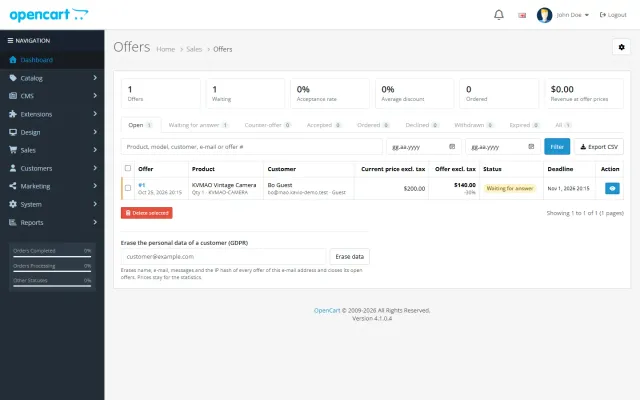
Our Make an Offer products ship with sensible defaults: the OpenCart extension, for example, uses 7 days to answer, 3 days for counter-offers, 48 hours to buy and 3 counter-offer rounds; the PrestaShop module gives 72 hours to buy. You can change each of them.
Stop the agreed price from leaking
An agreed price must work once, for one shopper, for the quantity that was agreed. Check that your tool enforces this on the server, not in the browser:
- The price is bound to the shopper (account or a signed link) and cannot be used by others.
- It applies only up to the offered quantity; extra items are sold at the normal price.
- It can be ordered once; a cancelled order may give it back until the deadline.
- Limits per customer, per product and per guest connection keep bots and serial lowballers out.
Avoid sending a reusable coupon code for an accepted offer. Codes get shared, and the deal leaks to everyone.
Respect privacy
Guest offers collect a name and an e-mail address. Ask for consent with a link to your privacy policy, store as little as possible (for example a hashed IP address for rate limits), and erase personal data of closed offers after a retention period.

CS-Cart
Make an Offer
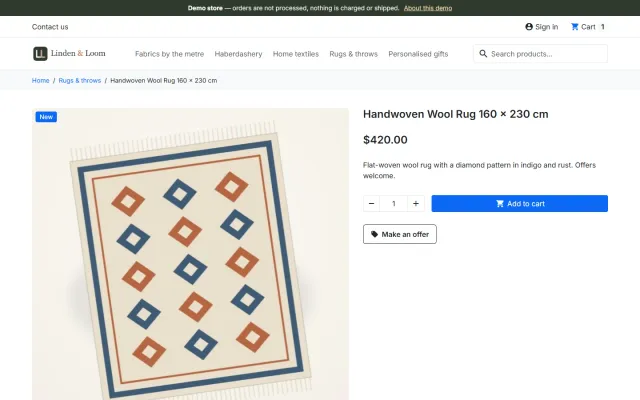
A Make an offer button with counter-offers, deadlines and a single-use agreed price; vendors answer their own offers.
OpenCart
Make an Offer for OpenCart
Shoppers propose a price; you accept, counter or decline, and the agreed price is applied once in the cart.
WooCommerce
Make an Offer for WooCommerce
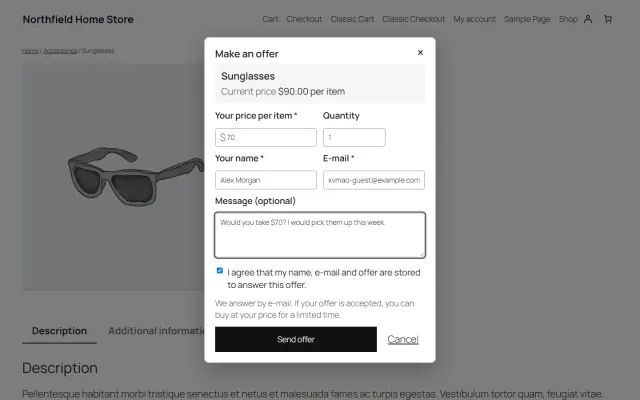
A Make an offer dialog with counter-offers and hidden rules; the agreed price is enforced only in that shopper’s cart.
PrestaShop
Make an Offer for PrestaShop
A Make an offer button with negotiation rounds; the agreed price is a specific price bound to one cart.