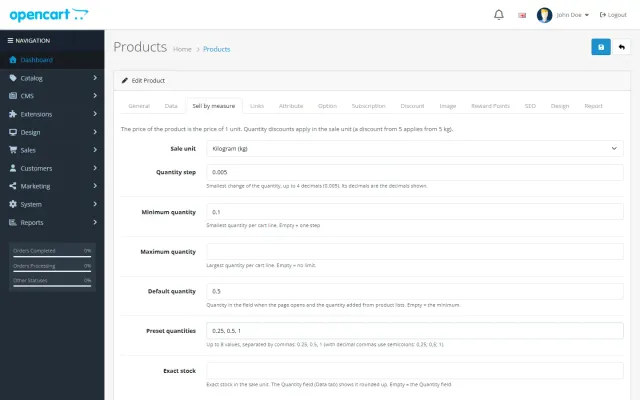
Sell by Weight & Length
Decimal quantities in 15 units, preset buttons, a live line total and exact decimal stock, on OpenCart 4 and 3.
Platforms
 CS-CartAdd-ons and themes for CS-Cart and Multi-Vendor
 OpenCartExtensions and themes for OpenCart 4 and 3
 WooCommercePlugins and themes for WooCommerce
 PrestaShopModules and themes for PrestaShop 8.2 and 9
 ShopifyApps with a free plan
Stores
OpenCart guide · Advanced Promotions
Run the promotions OpenCart cannot do on its own: buy X get Y, cheapest item free, % off the Nth item, volume tiers, bundles, free gifts and scheduled campaigns. Every promotion appears as its own line in the order totals.


The problem
OpenCart has specials, quantity discounts and coupons. "Buy 2, get 1 free", "30% off the third item" or "a free tote above $40" need custom code or several extensions.
Several promotion extensions on one store also raise the question nobody can answer at checkout: which discount applies first, and can an item be discounted twice?
Advanced Promotions for OpenCart
In Marketing > Promotions, choose the type, products, categories or brands, and the discount.
Dates, days of the week, hours (also past midnight), customer groups, stores, minimum subtotal, use limits and a discount cap.
An offers box on the product page, badges in lists, "Add 1 more item to get 1 free" nudges in the cart, and one discount line per promotion.
Same products (mix and match) or other products; free, percent off, fixed price or amount off.
Up to six tiers by items or subtotal; bundle prices for products bought together.
Added automatically when the cart qualifies, removed when it no longer does.
Promotions that apply only with an OpenCart coupon code.
Promotions work on the price left after coupons and accepted Make an Offer prices, and never go below zero.
Orders, discount given and revenue per promotion in the admin list.
Advanced Promotions for OpenCart
OpenCart’s marketing tools are coupons and specials. Neither can say "buy 2, get 1 free" or "10% off from 6 items", and neither can add a free gift to the cart. Shoppers also cannot see an offer until they type a code.
Advanced Promotions adds a promotion engine under Marketing, Promotions. Each applied promotion appears as its own line in the order totals, so shoppers see exactly what they saved, and taxes are calculated on the discounted prices.
| Type | Examples |
|---|---|
| Buy X get Y | Buy 2 get 1 free, buy 1 get 1 at 50%, 30% off the 3rd item, buy 3 shirts get a cap free |
| Tiered discount | 3+ items 5% off, 6+ items 10% off, or $100+ saves $10 |
| Product discount | Percent, fixed price or amount off products, categories or brands, with exclusions |
| Bundle | A set price or discount for products bought together |
| Free gift | Added automatically when the cart qualifies, removed when it does not |
Buy X get Y can use the same products or other products, pick cheapest or most expensive first, repeat for every group, and stop at N times per order.
Each promotion can have start and end dates and times, days of the week and happy hours, including past midnight. It can be limited to customer groups, stores and a minimum subtotal, and unlocked with an OpenCart coupon code. Limits cover uses in total, uses per customer and a maximum discount per order.
A promotion nobody sees sells nothing, so the extension puts offers on the page:
All three can be turned off, and each promotion can switch its own nudge off.
Promotions apply in priority order, each on what the earlier ones left. You can stop further promotions for exclusive deals, skip special prices or items already discounted, and combine with coupons or switch off when a coupon is used. Accepted Make an Offer prices are respected, and a line never goes below zero.
Keep the order total sort order below taxes. The default of 3 sits before taxes at 5, so taxes are calculated on the discounted prices.
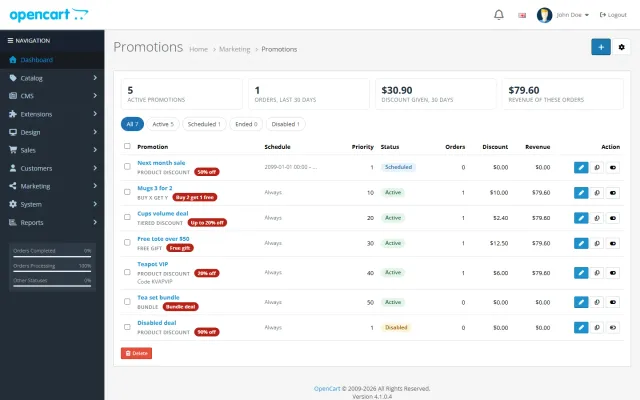
The list view has status tabs for active, scheduled, ended and disabled, with orders, discount given and revenue per promotion, plus totals for the last 30 days. Copy starts a variant, disabled until you switch it on.
A free item still shows its price on the cart line, and the saving appears in the promotion total. That is how the order total system works.
| Coupons and specials | Single-offer extensions | Advanced Promotions | |
|---|---|---|---|
| Buy X get Y | No | Yes | Yes |
| Tiers, bundles, free gift | No | One each | All |
| Happy hours | No | Rarely | Yes |
| Badges and nudges | No | Varies | Yes |
| Stats per promotion | Coupon history | Varies | Yes |
For an occasional code, core coupons are fine. Choose this when promotions are a regular part of how you sell. The extension is in the Sell More Pack, and the Fashion and Gloss store kits, on the packages page. Get Advanced Promotions on the store.
OpenCart 4.0.2.0 to 4.1.x and 3.0.3.x to 3.0.5.x from one licence. Tested on 4.1.0.4 and 3.0.5.1. No core file changes.
Start from the goal. To raise items per order, use Buy X get Y or tiers. To raise order value, use spend tiers or a free gift above your average basket. To clear stock, use a product discount with an end date.
After the campaign, read the orders, discount given and revenue on the list. A promotion can raise revenue and still lose money, so compare that against your margin. Copy a promotion to test a variant, rather than editing the one you are measuring.
OpenCart
Buy X get Y, tiered cart discounts, free gifts and scheduled rules on top of OpenCart specials and coupons (OpenCart 4.x and 3.0.x).
OpenCart
The most requested products on this platform. Each one has its own page, and you can buy it straight on the sales site.
Decimal quantities in 15 units, preset buttons, a live line total and exact decimal stock, on OpenCart 4 and 3.
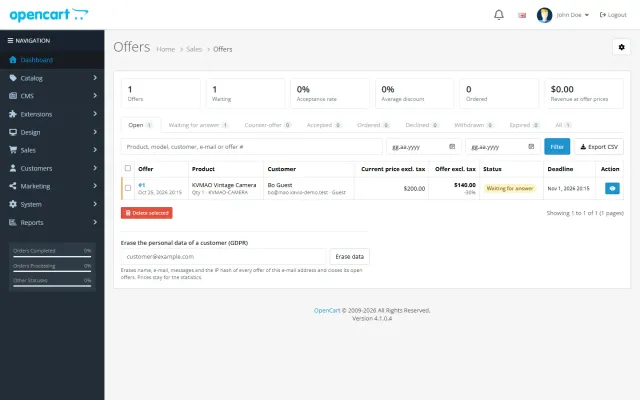
Shoppers propose a price; you accept, counter or decline, and the agreed price is applied once in the cart.
A grocery theme with aisle bubbles, stepper cards with unit prices, recipe add-all and a phone basket bar.
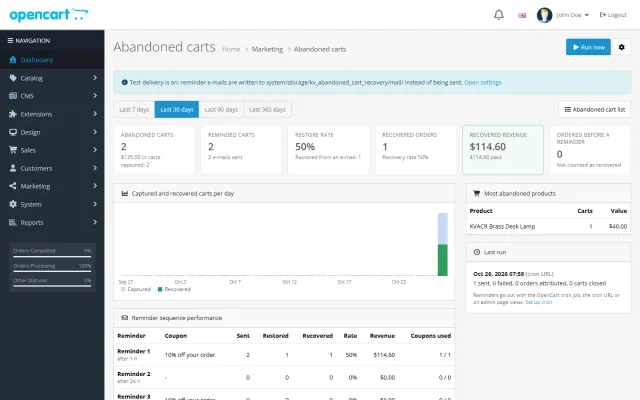
Up to three reminders, single-use coupons, a restore link and a recovered-revenue dashboard.
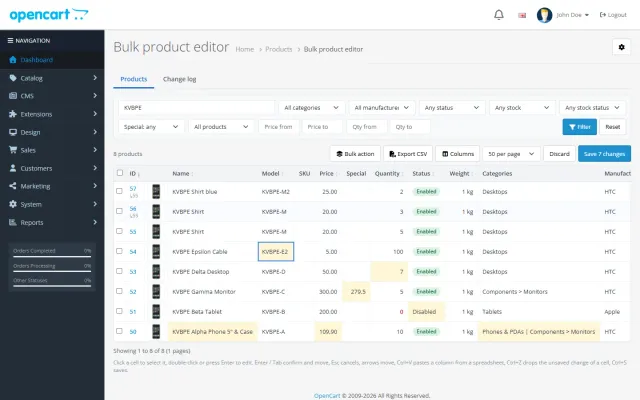
A spreadsheet grid for prices, specials, stock and options, with bulk actions, preview and undo.
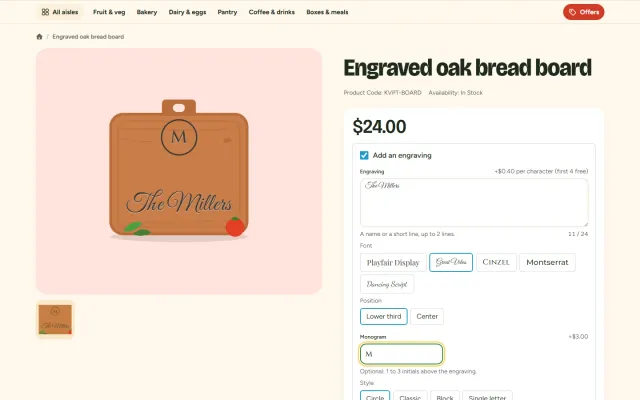
Names, dates and monograms previewed on the product photo, with fees, a word filter and a production sheet.
Prices, licences, full documentation and instant downloads are on the store.
opencart.kaviolabs.com · 16 extensions · 11 themes
Advanced promotions
Built natively for each platform, not ported. Each version has its own product page, documentation and price.
Buy X get Y, cheapest item free, tier tables and time windows inside the promotion editor you already use.
FAQ
No. It uses OpenCart events and a standard order total, with no OCMOD patch.
OpenCart keeps the product price on the line; the promotion line in the totals takes it off, and taxes are reduced accordingly, so reports and invoices stay consistent.
No. Each promotion uses the price left after the coupon, an accepted offer and earlier promotions. Use "Stop further promotions" for exclusive deals.
Use a customer group, or a coupon code that only unlocks the promotion (a 0% OpenCart coupon).
Yes. It is added to the cart when the cart qualifies, and removed when it no longer does.
Yes. Use days of the week and happy hours, which can also run past midnight.
Yes. A promotion can be gated by an OpenCart coupon code.
In Marketing, Promotions: orders, discount given and revenue per promotion, plus totals for the last 30 days.
See the badges and cart nudges in the screenshots, then read the documentation on the product page.
Kavio Labs
The same standards, the same support desk and one licence portal on every platform we build for.