Sell by Weight & Length
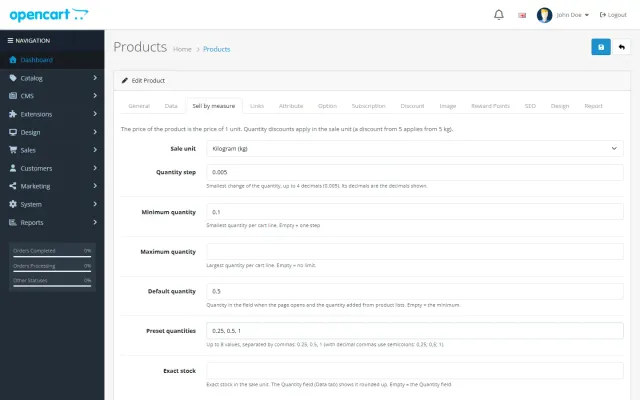
Decimal quantities in 15 units, preset buttons, a live line total and exact decimal stock, on OpenCart 4 and 3.
Platforms
 CS-CartAdd-ons and themes for CS-Cart and Multi-Vendor
 OpenCartExtensions and themes for OpenCart 4 and 3
 WooCommercePlugins and themes for WooCommerce
 PrestaShopModules and themes for PrestaShop 8.2 and 9
 ShopifyApps with a free plan
Stores
OpenCart theme · Pantry
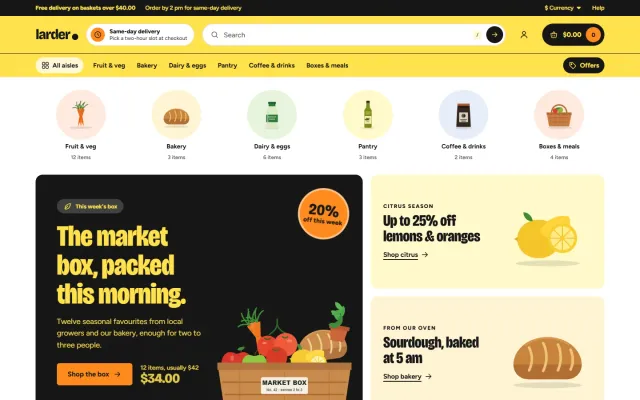
Pantry is built for grocers, farm shops, bakeries, delis, meal boxes and local delivery: aisle bubbles, Add-then-stepper product cards, unit prices, a recipe block and a basket bar on phones. Four presets, no core changes.

The problem
Grocery shoppers buy many items in one visit, mostly on a phone. General-purpose themes make them open every product page to change a quantity, and hide the price per kilo.
Every extra tap costs baskets, and a missing unit price makes products hard to compare.
Pantry: Grocery Theme for OpenCart
Market, Greenhouse, Citrus or Deli. They change card shapes, borders, button corners and type width, not just colours.
A pack size attribute gives "500 g · $5.60/kg"; labels such as Organic or Local come from an attribute; nutrition from an attribute group.
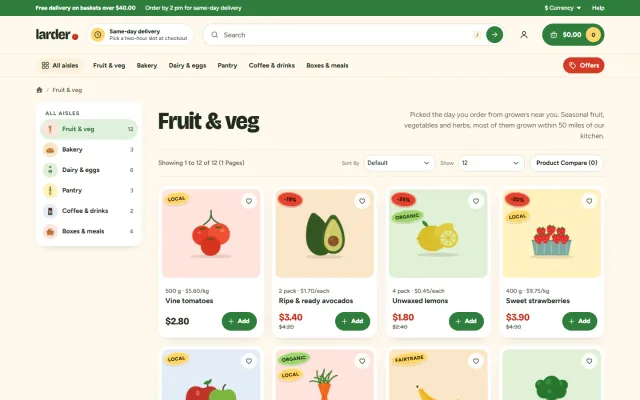
Shoppers tap Add, then use the − n + stepper on the card, add a whole recipe with one button and watch the basket total and free-delivery progress on phones.
Top-level categories as round, tinted bubbles with product counts.
Cards show an "In basket" ring and a stepper, read live from the cart.
"500 g · $5.60/kg": Pantry works out the price per kg, per litre or per item.
A recipe with its ingredients and one Add all button; shoppers can untick what they have.
A floating bar with the basket total and free-delivery progress above a 5-tab bottom bar.
Bricolage Grotesque and Figtree from your own store; no font CDN requests.
Pantry: Grocery Theme for OpenCart
Grocery orders have many items and are mostly placed on a phone, so the slowest part is adding things. Pantry’s product cards have an Add button that turns into a minus and plus stepper with an In basket ring, without leaving the page. A floating basket bar on phones shows the total and the progress to free delivery, and there is a 5-tab bottom bar.
A unit line under every product shows "500 g · $5.60/kg", worked out from a pack size attribute. Oval stickers show the sale percentage, Organic, Local and Fairtrade. A recipe block adds all ingredients with one click, and shoppers can untick what they have.
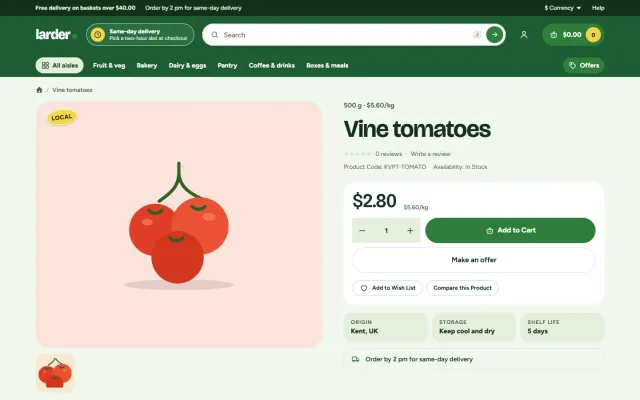
Product pages have origin, storage and shelf-life facts, a delivery note, allergen chips and a nutrition table. The header has a delivery pill and a top bar note with your free delivery threshold. These details are not decoration: food buyers look for them, and in many markets some must be shown. Check your local rules, as the theme only displays what you enter.
Four presets change card shapes, borders and type, not only colours: Market (cream and tomato), Greenhouse (leaf green), Citrus (lemon and ink, outlined) and Deli (parchment and espresso).
The hero, promo boxes, product rows, recipe block, How delivery works steps and offer band are all set from one settings page, per store. Your Theme Editor changes always win. Fonts are self-hosted, Bricolage Grotesque and Figtree, with no requests to font CDNs.
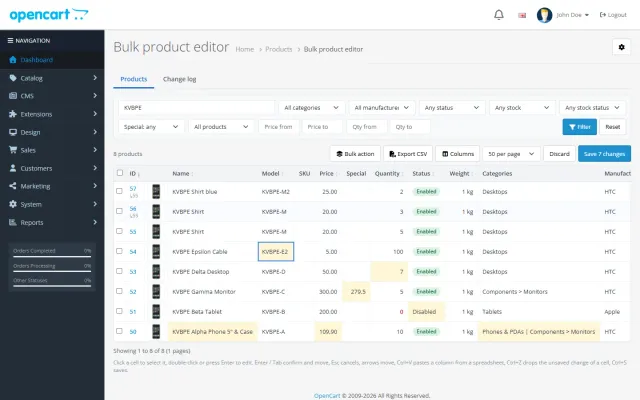
Food stores sell by weight, so pair Pantry with Sell by Weight & Length. The Food Store Kit on the packages page includes both, plus the Bulk Product Editor for keeping prices current. Make an Offer works too, for bulk and end-of-date deals.
| General theme | Pantry | |
|---|---|---|
| Add-to-stepper cards | Custom work | Included |
| Unit price line | Custom work | From a pack size attribute |
| Recipe block | No | Included |
| Basket bar on phones | Rare | Included |
| Delivery slot booking | Needs an extension | Needs an extension |
See a working store in the product page and live demo. Pantry is also on WooCommerce and PrestaShop.
Food has more legal and practical detail than most sectors. Sort these out before launch.
For repeat business, make reordering simple. Regular grocery customers buy much the same basket each time, and anything that shortens the second order matters more than a new home page banner.
For search, local terms matter: "organic vegetable box in Bristol" is a better target than "buy vegetables" for a small store. Recipes bring in steady traffic and give you a natural place to link to ingredients.
Photography can be simple, as long as it is honest: real produce, consistent light and accurate pack sizes. Show a pack next to something familiar when the size is hard to judge.
OpenCart 4.0.2.0 to 4.1.0.4 and 3.0.3.8 to 3.0.5.x, one licence for both. Tested on 4.1.0.4 and 3.0.5.1. No core changes and no OCMOD. A licence problem never blocks your store: the settings page shows a reminder, nothing else.
Try the theme on a copy of your store first. Local development hosts and subdomains of your licensed domain are covered.
Files you edit in the Theme Editor always win, so keep a note of your changes. They are easy to compare after an update.
OpenCart
Grocery and food delivery theme for OpenCart 4.x and 3.0.x: aisle bubbles, stepper product cards with unit prices, recipe add-all block and a phone basket bar. Four presets, no core changes.
OpenCart
The most requested products on this platform. Each one has its own page, and you can buy it straight on the sales site.
Decimal quantities in 15 units, preset buttons, a live line total and exact decimal stock, on OpenCart 4 and 3.
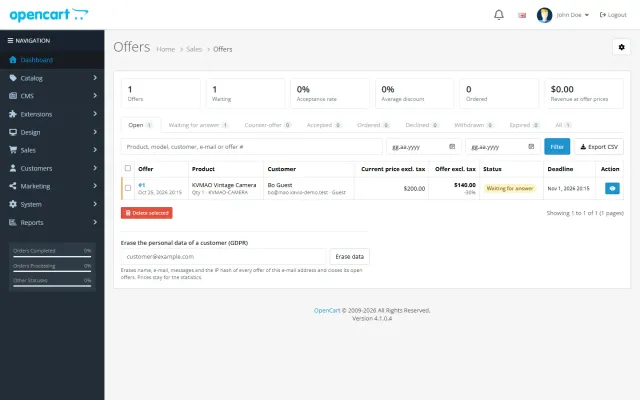
Shoppers propose a price; you accept, counter or decline, and the agreed price is applied once in the cart.
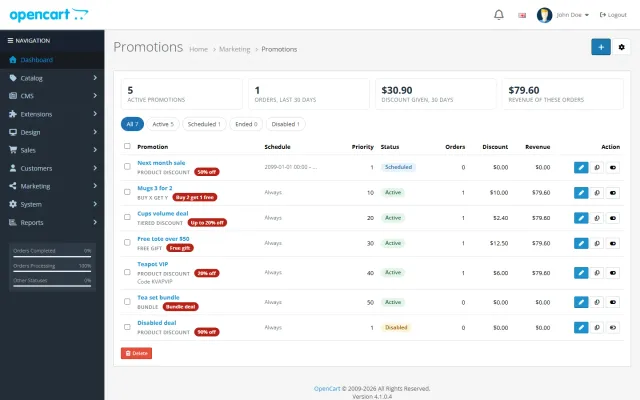
Buy X get Y, tiers, bundles, free gifts and scheduled campaigns with badges and cart nudges.
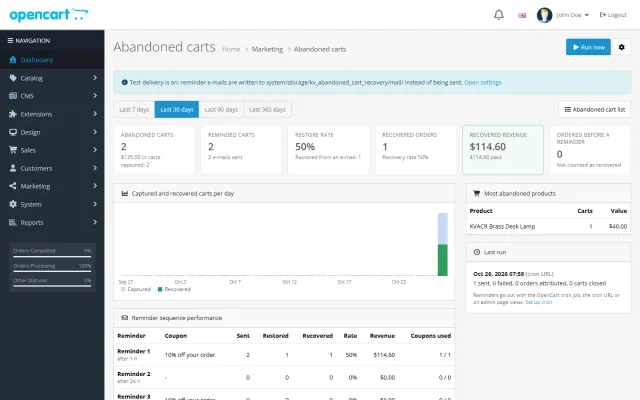
Up to three reminders, single-use coupons, a restore link and a recovered-revenue dashboard.
A spreadsheet grid for prices, specials, stock and options, with bulk actions, preview and undo.
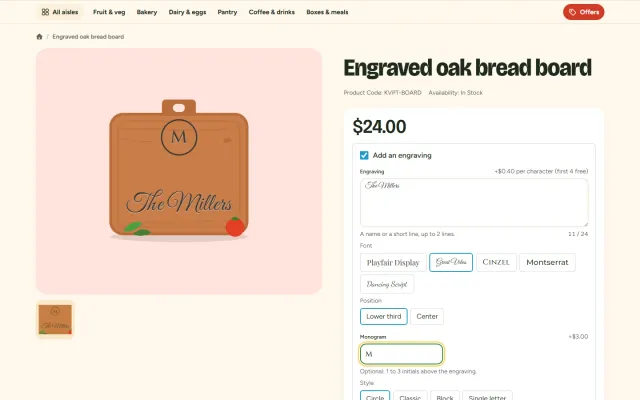
Names, dates and monograms previewed on the product photo, with fees, a word filter and a production sheet.
Prices, licences, full documentation and instant downloads are on the store.
opencart.kaviolabs.com · 16 extensions · 11 themes
FAQ
No. On OpenCart 4 it swaps templates through events; on OpenCart 3 it is a theme folder plus a theme extension. Neither edits core files.
Yes. Its measure input replaces the quantity field on the product page, and Pantry hides its own +/− buttons.
No. The delivery pill and delivery note are texts you write; use a delivery-date extension for slot booking.
Nothing changes in your store. Updates and support need a valid licence.
From a pack size attribute on the product, worked out into a line such as 500 g · $5.60/kg.
Yes. The recipe block adds all ingredients with one click, and shoppers can untick what they have.
Yes. All sections are set from one settings page, per store.
No. Fonts are self-hosted, with no requests to font CDNs.
The demo store runs Pantry with 6 aisles and 30 products. The product page has every preset and the documentation.
Kavio Labs
The same standards, the same support desk and one licence portal on every platform we build for.