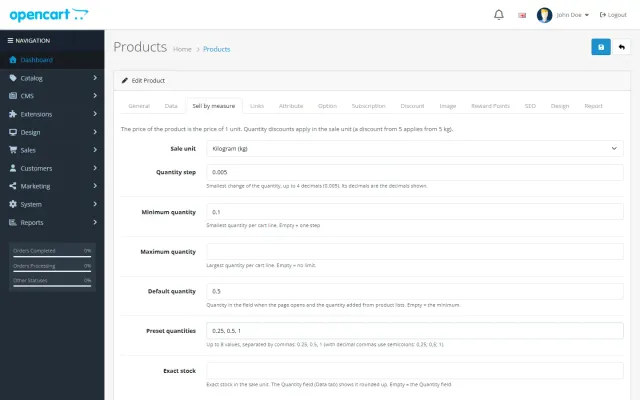
Sell by Weight & Length
Decimal quantities in 15 units, preset buttons, a live line total and exact decimal stock, on OpenCart 4 and 3.
Platforms
 CS-CartAdd-ons and themes for CS-Cart and Multi-Vendor
 OpenCartExtensions and themes for OpenCart 4 and 3
 WooCommercePlugins and themes for WooCommerce
 PrestaShopModules and themes for PrestaShop 8.2 and 9
 ShopifyApps with a free plan
Stores
OpenCart theme · Axle
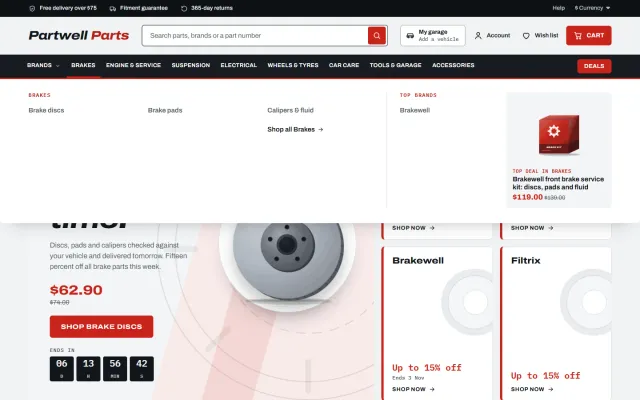
Axle is built for shops where the first question is whether a part fits. Shoppers choose a vehicle once, see fitment on every part and can search by part number, OE number or tyre size. A garage finder under the home hero and in the header, a Fits your vehicle badge on every card, a fit check with a vehicle table on the product page, Shop by system tiles and a Complete the job builder. One licence covers the OpenCart 4.x and the 3.0.x package.


The problem
Nobody wants a part that does not fit. A general theme shows a grid of products and leaves the compatibility question to the description, so shoppers either guess or write to you before every order.
Parts are also found by number. Customers arrive with a part number, an OE number or a tyre size, and a plain search box does not treat those as first-class ways to look.
Axle: Auto Parts Theme for OpenCart
On OpenCart 4.x upload kv_theme_axle.ocmod.zip in Extensions > Installer, install the theme under Extensions > Themes, choose a preset and set it as the store theme in System > Settings. On OpenCart 3.0.x use the kv_theme_axle-oc3 package and refresh the modifications.
Create a filter group named Fits vehicle and one filter per vehicle, named Make · Model · Engine · Years. On each product add every vehicle it fits under Links > Filters. Axle reads these filters and writes nothing to your database.
The product Model field is the part number. Attributes named OE numbers, Universal fit, Fitment note, Fitting tips, In the box and Volume drive the chips, the verdicts, the extra tabs and the price per litre.
Pick make, model, year and engine from your own vehicle list. The vehicle is remembered in the browser and shown in the header. Two more tabs search by part or OE number and by tyre size such as 205/55 R16.
With a vehicle saved each card says Fits your vehicle, May not fit or Universal fit. Without a vehicle it offers Check fit. Category pages get a vehicle bar with one click to Show parts that fit.
A green or amber verdict under the title, a Fitment tab with the table of vehicles (yours highlighted), OE and cross-reference numbers as chips, and the part number.
Part number in monospace, brand line, price with a saving tag, a price per litre or gram, offer countdowns and badges, plus Shop by system tiles, popular jobs, a deals band and a Complete the job builder with one Add to cart.
Hover zoom, option chips for side, finish or length, a delivery panel with a fitment guarantee and returns, and tabs for details, fitment, fitting tips, in the box, specifications and reviews.
Redline, Pitlane, Overland and Nightshift all meet WCAG AA contrast. Archivo and IBM Plex Mono are served from your own store. No core file changes and no OCMOD.
Axle: Auto Parts Theme for OpenCart
Axle is built so shoppers know a part fits before they buy. The garage finder in the header and on the home page takes make, model, year and engine from your own vehicle list, and remembers the vehicle in the browser. Tabs search by part or OE number and by tyre size.
Every card then says Fits your vehicle, May not fit or Universal fit, and category pages get a vehicle bar with a one-click filter to the parts that fit.
Axle does not include a vehicle database, and it needs no separate extension. The finder, badges and fit check use a filter group of vehicles, named Make · Model · Engine · Years, assigned to products. Without the group, those elements are simply not shown.
For large vehicle lists, plan the filter group carefully, since each vehicle combination is a filter value. The vehicle fitment guide explains how to structure such data.
The product page has a fit check under the title, a Fitment tab with the vehicle table and your vehicle highlighted, OE and cross-reference numbers, part number, option chips, delivery dates, a fitment guarantee line, tabs for fitting tips and what is in the box, and Complete the job.
Plate cards sit on steel wells with the part number in monospace, brand line, unit price per litre or gram and offer countdowns. Home sections cover a campaign hero, shop by system tiles, tabs, popular jobs, a deals band, a quick fixes row, a Complete the job builder with one Add to cart, brands, garage guides and reviews.
Four presets at WCAG AA text contrast: Redline, Pitlane, Overland and Nightshift. Archivo and IBM Plex Mono are self-hosted.
| General theme | Axle | |
|---|---|---|
| Garage finder | Extension | Included |
| Fit badges on cards | Extension | Included |
| OE number search | Extension | Included |
| Complete the job | Custom work | Included |
The Axle Store Kit on the packages page adds Make an Offer for trade buyers and the Bulk Product Editor for catalogs with thousands of part numbers. See Axle on the store. Also on WooCommerce and PrestaShop.
A parts store lives or dies on its data. Before you worry about the design, get these basics right.
For search traffic, write a short guide per system or per common job, such as how to choose brake pads, and link to the right category. Long lists of model names with no useful text rarely hold up over time.
If you sell to workshops as well as drivers, decide early whether trade customers get their own prices, and whether you show prices with or without tax.
Finally, keep your data honest. If you are not sure a part fits a vehicle, leave the vehicle out. One careful list beats a long one that creates returns.
OpenCart 4.0.2.0 to 4.1.x and 3.0.3.x to 3.0.5.x, one licence, no core changes, no OCMOD. There is a 14-day trial, and a licence problem never blocks your store or admin.
Try the theme on a copy of your store first. Local development hosts and subdomains of your licensed domain are covered.
Files you edit in the Theme Editor always win, so keep a note of your changes. They are easy to compare after an update.
OpenCart
Auto parts and accessories store theme for OpenCart 4.x and 3.0.x: a garage finder with a saved vehicle, fitment badges on every card, a fit check with a…
OpenCart
The most requested products on this platform. Each one has its own page, and you can buy it straight on the sales site.
Decimal quantities in 15 units, preset buttons, a live line total and exact decimal stock, on OpenCart 4 and 3.
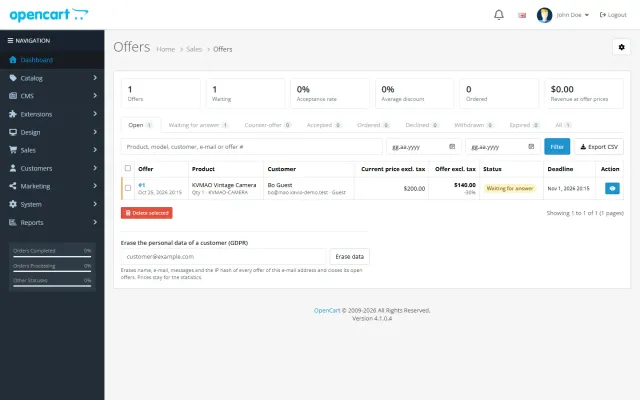
Shoppers propose a price; you accept, counter or decline, and the agreed price is applied once in the cart.
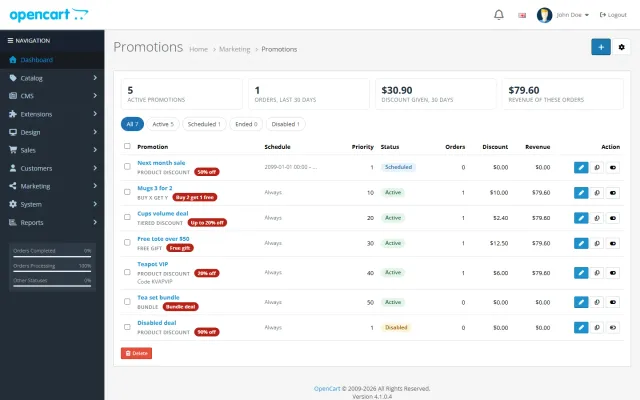
Buy X get Y, tiers, bundles, free gifts and scheduled campaigns with badges and cart nudges.
A grocery theme with aisle bubbles, stepper cards with unit prices, recipe add-all and a phone basket bar.
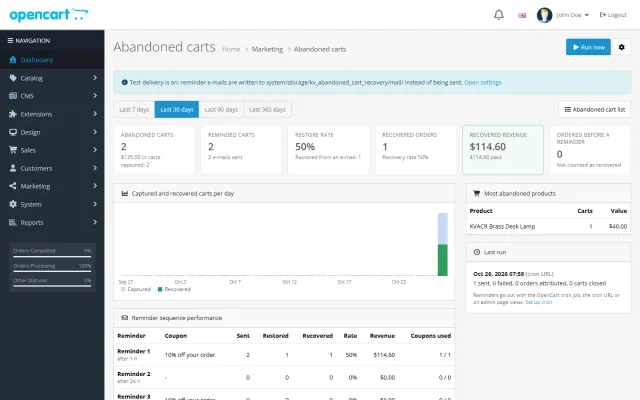
Up to three reminders, single-use coupons, a restore link and a recovered-revenue dashboard.
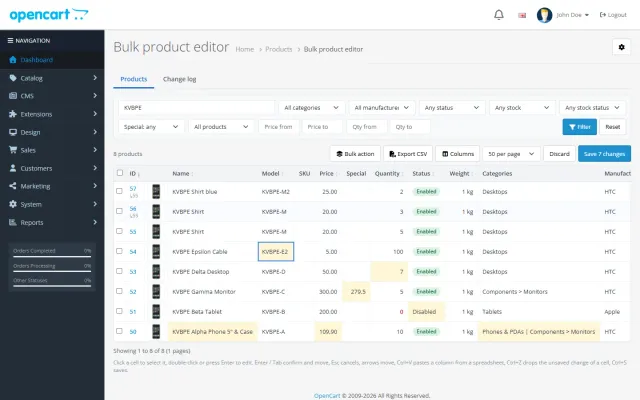
A spreadsheet grid for prices, specials, stock and options, with bulk actions, preview and undo.
Prices, licences, full documentation and instant downloads are on the store.
opencart.kaviolabs.com · 16 extensions · 11 themes
FAQ
No. On OpenCart 4 it is a theme extension that uses events; on OpenCart 3 it is a normal theme directory plus events. Switch the store theme back to Default to return to the stock look.
From a filter group, named Fits vehicle by default. Each filter is a vehicle named Make · Model · Engine · Years, and each product carries the filters of the vehicles it fits. Nothing else is stored.
The part tab searches names, models and descriptions. Put OE and cross-reference numbers in the description, or in an attribute named OE numbers, and the search finds them.
No. It stays in the visitor’s browser and is only used to filter links and show badges.
OpenCart 4.0.2.0 to 4.1.x (Bootstrap 5) and 3.0.3.x to 3.0.5.x (Bootstrap 3). One licence covers both packages, and settings are stored per store in a multi-store setup.
The storefront and the admin panel keep working and the theme settings page shows a reminder. The first 14 days are a trial.
No. It uses a filter group of vehicles that you add and assign to products.
Yes. The finder has a tab for part or OE number and one for tyre size.
No. Fitment data is whatever you enter, so only list vehicles you have checked.
No. The finder, badges and fit check work from a filter group.
The product page has screenshots of every preset, the full documentation and the changelog.
Kavio Labs
The same standards, the same support desk and one licence portal on every platform we build for.