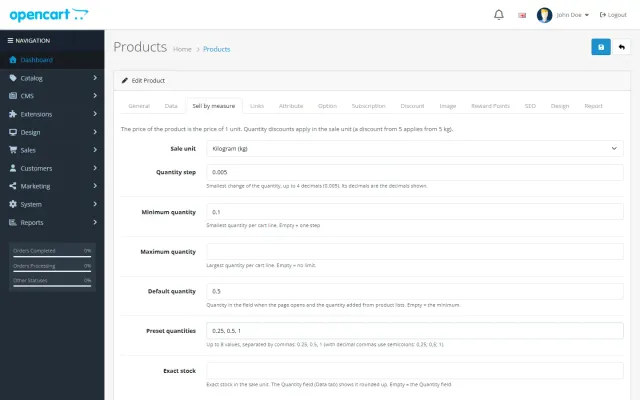
Sell by Weight & Length
Decimal quantities in 15 units, preset buttons, a live line total and exact decimal stock, on OpenCart 4 and 3.
Platforms
 CS-CartAdd-ons and themes for CS-Cart and Multi-Vendor
 OpenCartExtensions and themes for OpenCart 4 and 3
 WooCommercePlugins and themes for WooCommerce
 PrestaShopModules and themes for PrestaShop 8.2 and 9
 ShopifyApps with a free plan
Stores
OpenCart theme · Gloss
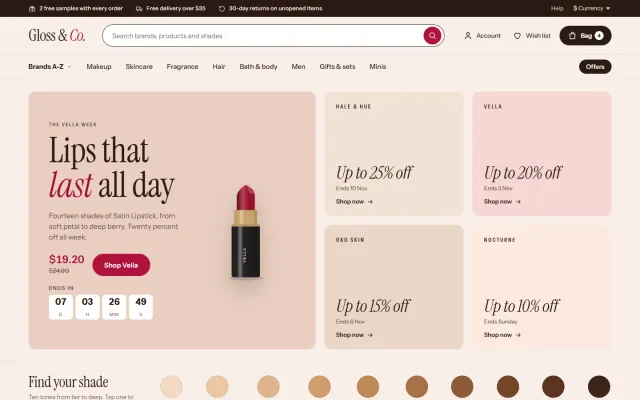
Gloss is built for multi-brand beauty stores selling makeup, skincare, fragrance, hair, bath and body, grooming and minis, where shoppers look for a brand, a shade and a deal. A Brands A-Z menu, a brand offer mosaic, a skin-tone shade strip, product cards with shade swatches and a unit price, and a routine builder with one Add to bag. No core changes and no OCMOD.
The problem
Beauty shoppers start from a brand or a shade, not a category. A general theme has no brand index and shows shades as a dropdown, so finding the right foundation takes many clicks.
They also compare sizes and prices: a 30 ml and a 50 ml bottle are only comparable with a unit price, and a deal only works when the end date is visible.
Gloss: Beauty & Cosmetics Theme for OpenCart
Upload the package in Extensions > Installer, install Gloss under Extensions > Extensions > Themes, pick a preset and set Gloss as the store theme in System > Settings.
Brands A-Z is built from your manufacturers with enabled products. The shade strip is built from a filter group you choose, for example Shade group, and each dot opens the products that carry that filter.
The brand mosaic shows each brand’s biggest running discount and the date it ends, taken from your special price end dates. Each home section can be switched off.
The first menu item opens a panel with all your manufacturers grouped by first letter, a letter rail and the six biggest brands up front.
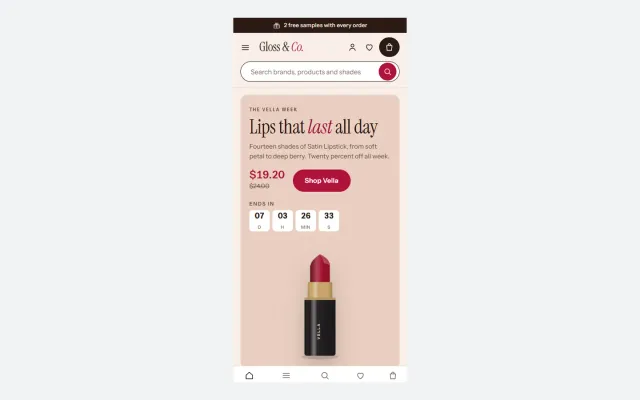
A tall campaign tile with a countdown beside four brand offer tiles, and a Top 10 chart ranked by orders then views.
Ten skin-tone dots from fair to deep, built from a filter group you choose; each dot opens the category products with that filter.
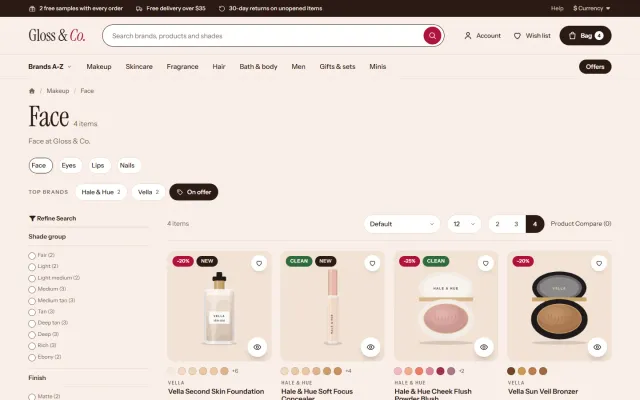
A tinted plate per product with round shade swatches, the brand line, rating, price and a unit price such as 30 ml · $1.27 / ml, plus sale, New, Clean, Gift set and Mini badges.
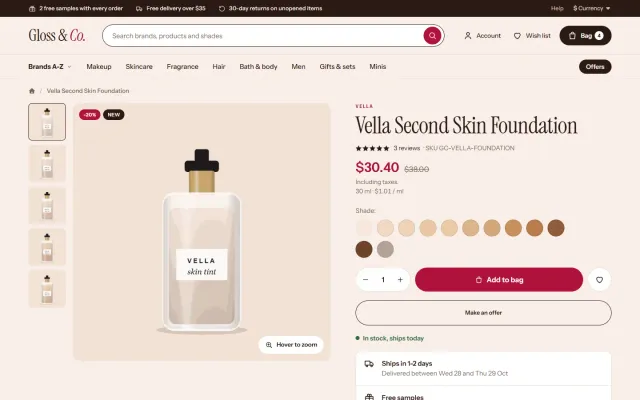
A shade picker with a large preview, size chips, reward points, a delivery panel with free samples and returns, and tabs for details, how to use, ingredients and reviews.
Nude, Cherry, Peach and Noir change more than colour. Instrument Serif and Instrument Sans are served from your own store.
Gloss: Beauty & Cosmetics Theme for OpenCart
Beauty shoppers want to find a brand, a shade and a deal. Gloss starts with a Brands A-Z panel built from your manufacturers, with featured brands and a letter rail. The home page opens with a brand mosaic, a campaign tile and four brand offer tiles showing the biggest discount and the end date.
A shade strip of ten skin-tone dots, fair to deep, opens filtered products. Counter-plate cards sit on tinted plates, with round shade swatches, brand line, rating, price and unit price such as "$1.27 / ml", and badges for sale, New, Clean, Gift set and Mini.
| Element | Needs |
|---|---|
| Shade swatches | A Shade option |
| Unit price | A Volume attribute |
| Shade strip | A filter group |
| Brands A-Z | Manufacturers |
| Exact colours | Images on option values |
Without this data, those elements are simply not shown. Swatch colours come from shade names by default, and an image on the option value gives the exact colour.
Home sections include a trust row, tabs, a Top 10 with large serif numerals, shop by concern, offers with countdowns, minis, a routine builder with one Add to bag, brands, journal, reviews and a loyalty band. The product page has hover zoom, a shade picker with a large preview, size chips, delivery dates, a free samples line, tabs for how to use and ingredients, and frequently bought together.
Four presets are included: Nude, Cherry, Peach and Noir. Counter plates can be switched to plain white.
| General theme | Gloss | |
|---|---|---|
| Brands A-Z | Extension | Included |
| Shade picker | Extension | Included |
| Unit price per ml | Custom work | From an attribute |
| Routine builder | No | Included |
The Gloss Store Kit on the packages page adds Abandoned Cart Recovery and Advanced Promotions for buy X get Y deals. See Gloss on the store. Also on WooCommerce and PrestaShop.
Beauty shoppers buy on trust and on small details. Plan these before you load your catalog.
For search, shop-by-concern pages can reach shoppers that bare categories miss: "serum for dry skin", "fragrance-free moisturizer". Give each a short, honest introduction.
Samples and travel sizes lower the risk of a first order, especially for shades and fragrance, and a clear returns rule for opened products prevents disputes.
Reviews that mention skin type or shade are more useful than star ratings alone, so ask for those details when you request a review.
OpenCart 4.0.2.0 to 4.1.x and 3.0.3.x to 3.0.5.x, one licence, no core changes, no OCMOD. Instrument Serif and Instrument Sans are self-hosted. A licence problem never blocks your store or admin.
Start with brands, because Gloss leads with them. Add logos and clean names under manufacturers, then build the Shade option on a few best sellers, and check swatches before you load the whole range. Offers show real end dates, so keep your specials current or the mosaic empties out. Write ingredients and how-to text for your top products first, since those tabs drive confidence more than anything else on the page.
Try the theme on a copy of your store first. Local development hosts and subdomains of your licensed domain are covered.
Files you edit in the Theme Editor always win, so keep a note of your changes. They are easy to compare after an update.
OpenCart
Beauty and cosmetics theme for OpenCart 4.x and 3.0.x: a Brands A-Z mega panel, a brand offer mosaic with real end dates, a shade strip from fair to deep…
OpenCart
The most requested products on this platform. Each one has its own page, and you can buy it straight on the sales site.
Decimal quantities in 15 units, preset buttons, a live line total and exact decimal stock, on OpenCart 4 and 3.
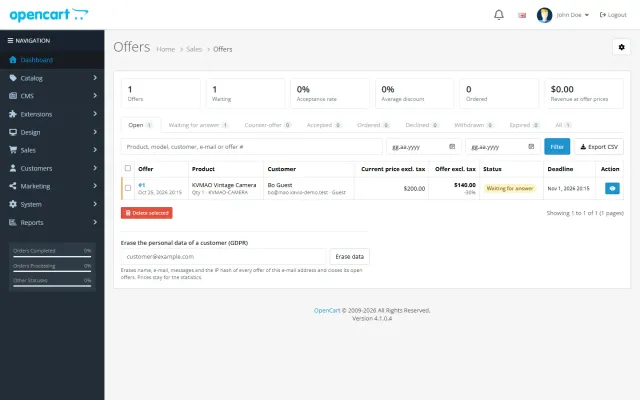
Shoppers propose a price; you accept, counter or decline, and the agreed price is applied once in the cart.
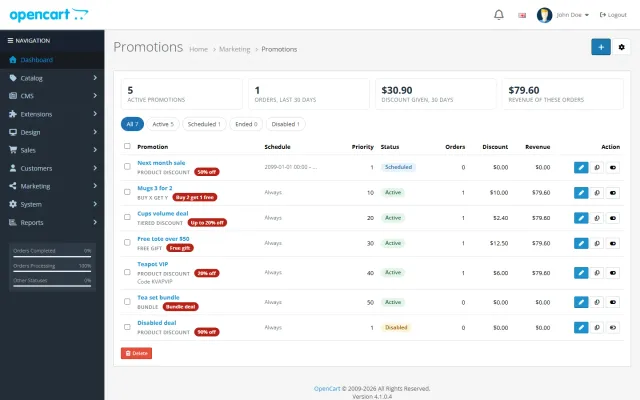
Buy X get Y, tiers, bundles, free gifts and scheduled campaigns with badges and cart nudges.
A grocery theme with aisle bubbles, stepper cards with unit prices, recipe add-all and a phone basket bar.
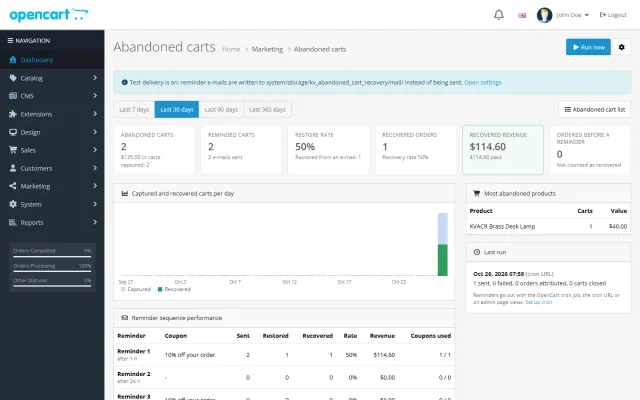
Up to three reminders, single-use coupons, a restore link and a recovered-revenue dashboard.
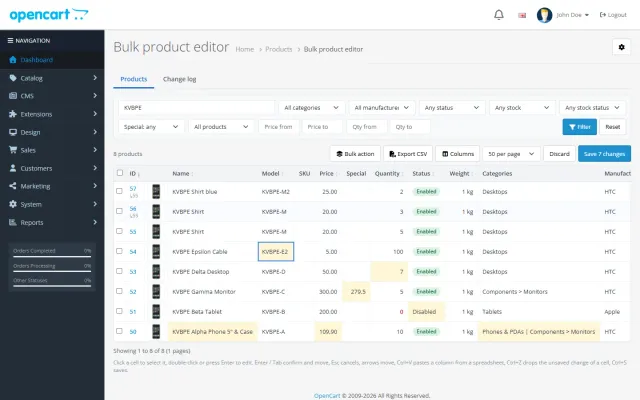
A spreadsheet grid for prices, specials, stock and options, with bulk actions, preview and undo.
Prices, licences, full documentation and instant downloads are on the store.
opencart.kaviolabs.com · 16 extensions · 11 themes
FAQ
From a filter group you choose on the settings page, for example Shade group. Each dot opens the category products that carry that filter value.
Yes. Each tile shows the brand’s biggest running discount and the end date, both taken from the special prices you set in OpenCart.
No. It is a theme extension on OpenCart 4 and a theme folder plus a theme extension on OpenCart 3. A licence problem never blocks the store or the admin.
OpenCart 4.0.2.0 to 4.1.x and 3.0.3.x to 3.0.5.x. One licence covers both packages.
The first 14 days are a trial. Without a valid licence the store keeps working and the settings page shows a reminder.
From your OpenCart manufacturers, with featured brands and a letter rail.
They need a Volume attribute on the product. Without it, the unit price is not shown.
Yes. Give the option value an image. Otherwise colours come from the shade names.
The product page has screenshots of every preset, the full documentation and the changelog.
Kavio Labs
The same standards, the same support desk and one licence portal on every platform we build for.