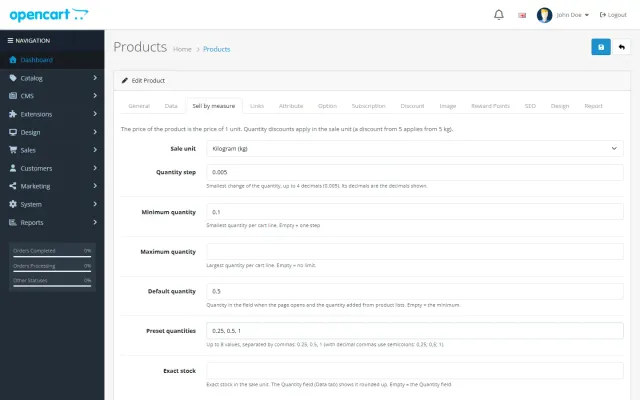
Sell by Weight & Length
Decimal quantities in 15 units, preset buttons, a live line total and exact decimal stock, on OpenCart 4 and 3.
Platforms
 CS-CartAdd-ons and themes for CS-Cart and Multi-Vendor
 OpenCartExtensions and themes for OpenCart 4 and 3
 WooCommercePlugins and themes for WooCommerce
 PrestaShopModules and themes for PrestaShop 8.2 and 9
 ShopifyApps with a free plan
Stores
OpenCart theme · Hearth
Hearth is built for furniture, lighting, rugs, textiles and homeware stores, where shoppers browse by room, compare materials and colours and want to know when a piece arrives. A room hero slider, shop by room tiles, studio-sweep product cards with a material line and a delivery line, and a Complete the look checklist with one Add to cart. No core changes and no OCMOD.


The problem
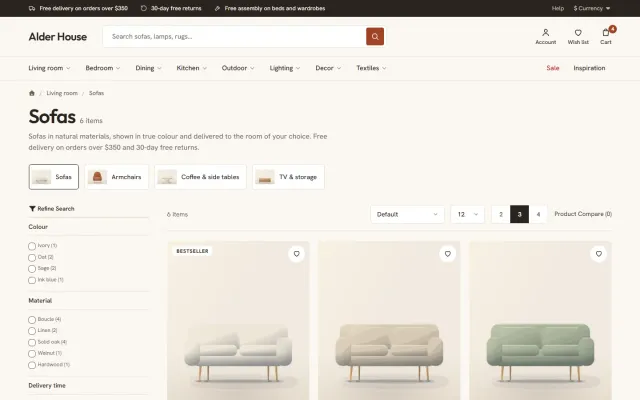
People furnish a room, not a catalogue. A general theme shows a flat grid of small square photos, so a sofa looks like a phone case and the shopper has to guess how pieces go together.
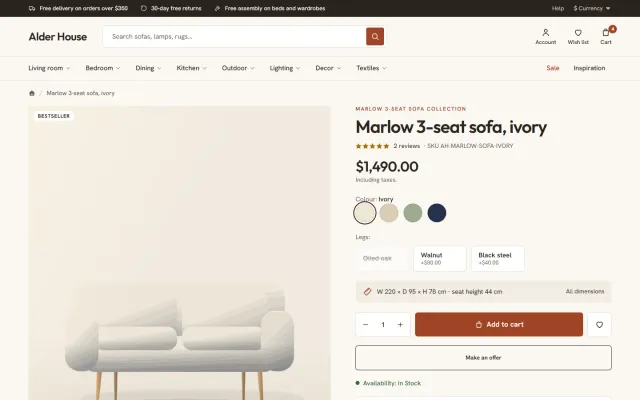
Furniture also raises questions a grid does not answer: what is it made of, which colours exist, how big is it and when will it arrive. When the answers are buried in the description, shoppers leave.
Hearth: Home & Furniture Theme for OpenCart
Upload the package in Extensions > Installer, install Hearth under Extensions > Extensions > Themes, pick a preset and set Hearth as the theme of your store in System > Settings. Switch back to Default at any time.
Categories marked Show in top menu become the room navigation, and their images become the Shop by room tiles and the menu photo tile. Product photos on a white background or cut-outs look best in the studio wells.
Hearth reads normal OpenCart attributes and options: Material, Delivery time, Assembly, Width, Depth and Height, colour and size options. Names can be changed on the settings page.
Up to three slides with a floating text card on a wide room image, and a navigation whose sub-categories open in a wide panel with a room photo.
4:5 images in a soft-lit well, a material line, colour swatches, a delivery line, a wish list heart and tags such as New, sale percentage and Low stock.
Sell each colour as its own product with the same Collection attribute value, and every colourway appears as a swatch on cards and on the product page.
A room scene beside a checklist of its products with a live total and one Add to cart button. Shoppers untick what they already own.
A dimensions line such as W 220 x D 95 x H 78 cm, delivery dates worked out from a delivery time attribute, assembly and returns lines, and Frequently bought together.
Clay, Coast, Rattan and Evening change corners, borders and tone, not just colour. Outfit and Hanken Grotesk are served from your own store, with no font CDN requests.
Hearth: Home & Furniture Theme for OpenCart
Nobody buys a sofa on impulse. Hearth is built for furniture, lighting, rugs, textiles and homeware: a room hero slider with a floating card, a room mega menu with a photo tile per room, Shop by room tiles, and tabbed products for best sellers, new arrivals and sale items.
Studio-sweep cards at 4:5 show a material line, colour swatches, a delivery line and tags such as New, sale percentage and Low stock, plus your own labels.
Complete the look shows a room scene beside a checklist of its products, with a live total and one Add to cart button. It is how a showroom sells a whole room.
Four presets change shapes and tone, not only colour: Clay (terracotta), Coast (sea blue with square corners), Rattan (cream and honey with pill buttons) and Evening (a dark edition).
Promo banners, the makers strip, reviews, ideas cards and a newsletter band are all optional, and all set from one settings page, per store. Outfit and Hanken Grotesk are self-hosted. Your Theme Editor changes always win, and a licence problem never blocks the store.
The Hearth Store Kit on the packages page adds Product Personalizer for engraved pieces and Make an Offer for big-ticket items.
| General theme | Hearth | |
|---|---|---|
| Room mega menu | Extension | Included |
| Complete the look | Custom work | Included |
| Delivery panel | Custom work | Included |
| Dimensions line | Custom work | Included |
See Hearth on the store. It is also on WooCommerce and PrestaShop.
Furniture has long consideration times and high return costs, so your product pages do the work of a showroom.
For search, room and style pages often work better than bare categories: "small dining tables", "oak bedroom furniture". Give each a short useful introduction, written for a person measuring a room.
Care guides are also worth publishing. They answer questions shoppers ask before buying, and they bring in visitors who already own similar pieces.
Think about your returns policy before launch. Large items are costly to collect, so be clear about who pays and in what condition goods must come back.
OpenCart 4.0.2.0 to 4.1.0.4 and 3.0.3.8 to 3.0.5.x, one licence for both, tested on 4.1.0.4 and 3.0.5.1. No core changes and no OCMOD.
Set the preset first, because it changes shapes as well as colour. Then fill the room menu with your categories, one photo per room, and write material lines for your best sellers. Delivery estimates appear on the product page, so make sure your real lead times are in place before launch. Add the makers strip only if you can name real makers.
Try the theme on a copy of your store first. Local development hosts and subdomains of your licensed domain are covered.
Files you edit in the Theme Editor always win, so keep a note of your changes. They are easy to compare after an update.
OpenCart
Home and furniture theme for OpenCart 4.x and 3.0.x: room hero slider with a floating card, studio-sweep product cards with material, swatches and a…
OpenCart
The most requested products on this platform. Each one has its own page, and you can buy it straight on the sales site.
Decimal quantities in 15 units, preset buttons, a live line total and exact decimal stock, on OpenCart 4 and 3.
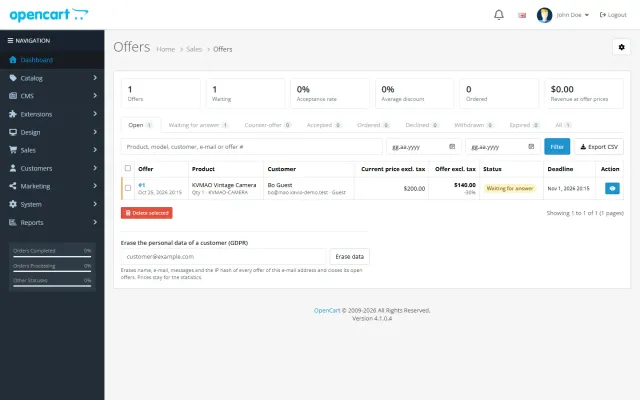
Shoppers propose a price; you accept, counter or decline, and the agreed price is applied once in the cart.
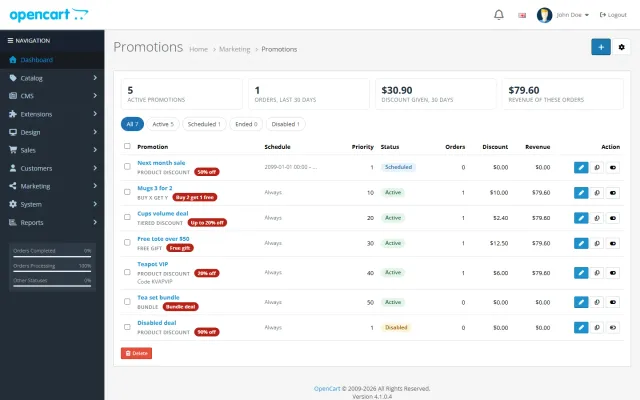
Buy X get Y, tiers, bundles, free gifts and scheduled campaigns with badges and cart nudges.
A grocery theme with aisle bubbles, stepper cards with unit prices, recipe add-all and a phone basket bar.
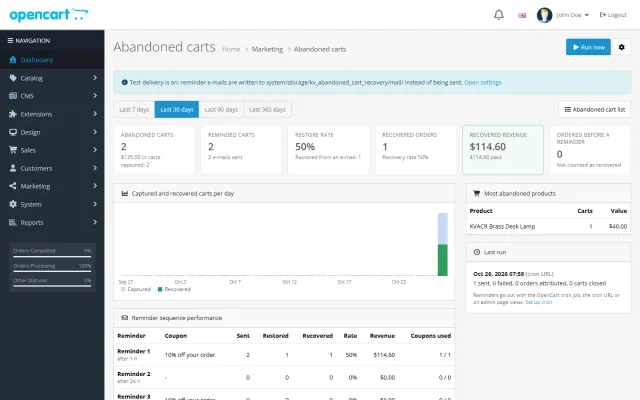
Up to three reminders, single-use coupons, a restore link and a recovered-revenue dashboard.
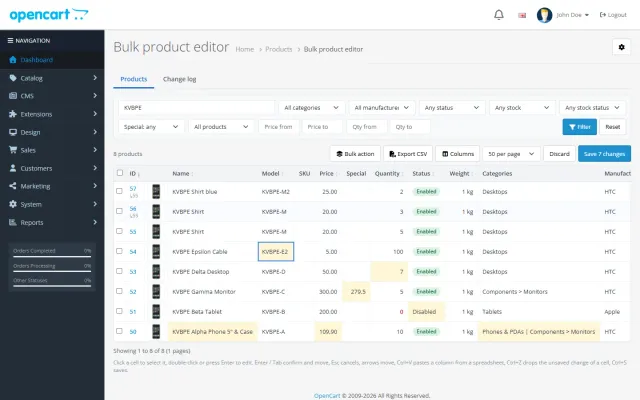
A spreadsheet grid for prices, specials, stock and options, with bulk actions, preview and undo.
Prices, licences, full documentation and instant downloads are on the store.
opencart.kaviolabs.com · 16 extensions · 11 themes
FAQ
No. On OpenCart 4 it is a theme extension that swaps in its own templates and adds data through events; on OpenCart 3 it is a theme folder plus a theme extension. Neither edits core files.
OpenCart 4.0.2.0 to 4.1.x on Bootstrap 5 and OpenCart 3.0.3.x to 3.0.5.x on Bootstrap 3. One licence covers both packages.
It works them out from a delivery time attribute you fill in, such as Ships in 2-4 days, and shows an estimate. It does not book delivery slots.
Your Theme Editor version. Hearth only uses its own template when the Theme Editor has no override for that page.
Nothing changes in your store and the admin is never blocked. The settings page shows a reminder; updates and support need a valid licence.
Each colour is its own product, linked with an attribute, and every colourway shows as a swatch.
Yes. Complete the look shows a checklist of products with a live total and one Add to cart button.
Four: Clay, Coast, Rattan and Evening.
The product page has screenshots of every preset, the full documentation and the changelog.
Kavio Labs
The same standards, the same support desk and one licence portal on every platform we build for.