Sell by Weight & Length
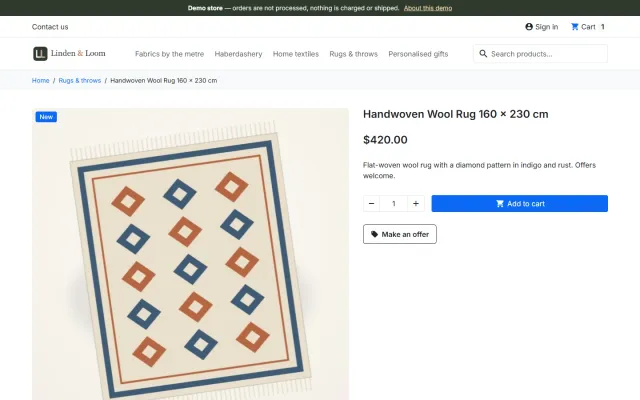
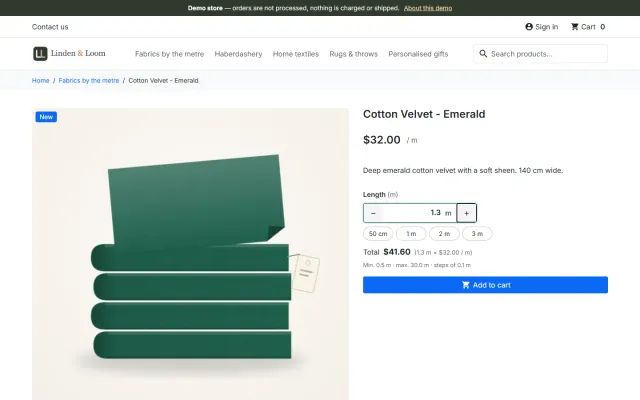
Amounts like 1.25 kg or 2.40 m with quick amounts, a live total, exact decimal stock and real shipping weight.
Platforms
 CS-CartAdd-ons and themes for CS-Cart and Multi-Vendor
 OpenCartExtensions and themes for OpenCart 4 and 3
 WooCommercePlugins and themes for WooCommerce
 PrestaShopModules and themes for PrestaShop 8.2 and 9
 ShopifyApps with a free plan
Stores
PrestaShop guide · Product Personalizer
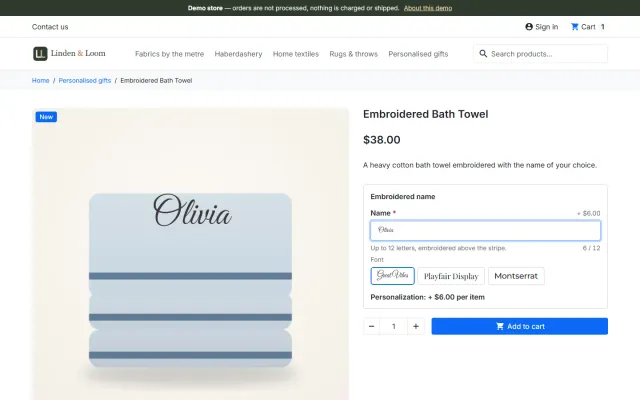
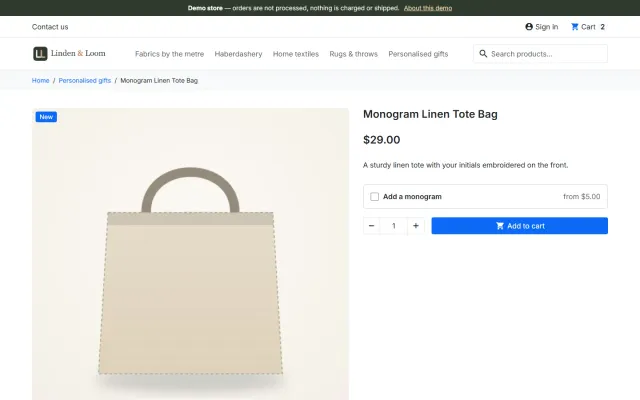
Customers type a name, a date or their initials, pick a font and a position and see the result on the product image before they add it to the cart. You set the rules once in a template, and the personalization follows the item to the production sheet.

The problem
PrestaShop’s product customization gives you a text field. The customer cannot see the result, there is no limit per line or font choice, and a fee needs a separate combination.
Workshops then get texts in the order notes with typos, wrong lengths and no font, and the e-mails go back and forth.
Product Personalizer for PrestaShop
Choose the fields, characters, fonts and what it costs. Use it for a product or a category.
They type, choose a font and a position, and see it drawn on the main product image.
The fee is added to the price of one item; the personalization follows to cart, checkout, order, e-mails, invoice and the printable production sheet.
The text drawn over the main product image as the customer types.
Serif, sans and script fonts under the SIL Open Font License, loaded only when a template uses them.
Computed from the saved values; the browser cannot change the price.
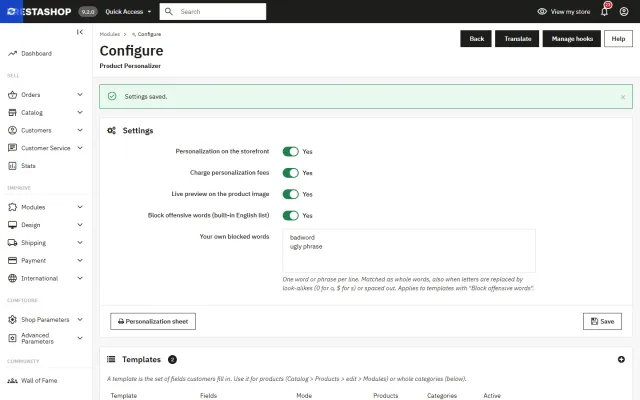
A built-in list plus your own words, matched also with look-alike characters.
Orders > Personalization sheet lists every personalization to make.
Hooks and PrestaShop’s module customizations; one package for 8.2 and 9.x.
Product Personalizer for PrestaShop
PrestaShop has customization fields, which collect text or a file. They show no preview, cannot charge per character, and cannot limit input in any useful way. For engraving or monograms that is not enough.
Product Personalizer shows the text on the product photo while the customer types, in the chosen font and position, and gives the price before they add it to the cart. It works through PrestaShop’s own customization mechanism, on the same cart line as its customization fields, with no overrides.
| Option | Text field | Monogram |
|---|---|---|
| Characters | 1 to 200 | 1 to 3 letters by style |
| Lines | 1 to 4 | - |
| Allowed characters | Letters, numbers, symbols, punctuation | Letters |
| Capitals | Optional | Always |
| Finish | Engraved, gold, silver, black ink | Same |
| Price | Free, fixed or per character | Same |
A template has up to 6 fields and applies per product or per category. Fees are per item, taxed and converted like the product. The offensive word filter uses a built-in English list plus your own words, and catches look-alikes such as sh1t and $hit, repeated letters, spaced-out words, and initials such as "ASS".
Fonts load only when used, and one small script does the rest.
This is for text and monograms, not image uploads or a free-form designer. Positions are set areas of the main product image. If customers send you artwork, use a customization file field or a designer module.
| Customization field | Designer module | Product Personalizer | |
|---|---|---|---|
| Live preview | No | Yes | Yes |
| Per-character fee | No | Varies | Yes |
| Image upload | Yes | Yes | No |
| Production sheet | No | Varies | Yes |
| Overrides | No | Sometimes | No |
Our themes draw the preview correctly on their product pictures. Store kits for Atelier, Gloss, Kite and Ridge include this module, and the Made-to-Order Pack combines it with Sell by Weight & Length and Make an Offer. See the packages page. Get Product Personalizer on the store.
Use straight-on product photos with a clear engraving area, keep it inside one of the five positions, and match the finish to the material. Set character limits from a real test piece. Thin script fonts can fill in on small plates, so offer two or three fonts your machine reproduces well. State turnaround time and return rules in the help text, since personalized goods are often handled differently; check with your adviser for your market.
One package for PrestaShop 8.2 and 9.x, on Classic and Hummingbird. Turning off the storefront form leaves carts and orders unaffected.
Per character with free characters suits engraving: short names stay free, and long messages pay for the extra time. A fixed fee suits monograms, where length does not change the effort. A free field suits gift messages.
| Offer | Setting | Example |
|---|---|---|
| Short names free | Per character, 5 free | Longer text pays from the 6th character |
| Monogram | Fixed | One fee per item |
| Gift message | Free | Limits still apply |
Fees are per item, so three engraved mugs pay three times. The production sheet shows what was actually sold, so the workshop can print it and tick off lines as they go.
PrestaShop
Text and monogram personalization with a live preview on the product image, 12 fonts, fixed or per-character fees and a printable production sheet (PrestaShop 8.2 and 9.x, no overrides).
PrestaShop
The most requested products on this platform. Each one has its own page, and you can buy it straight on the sales site.
Amounts like 1.25 kg or 2.40 m with quick amounts, a live total, exact decimal stock and real shipping weight.
A Make an offer button with negotiation rounds; the agreed price is a specific price bound to one cart.
Factur-X/ZUGFeRD, XRechnung and Peppol BIS 3.0 e-invoices with your PrestaShop invoice numbers.
Up to three reminders, single-use vouchers, a signed restore link and recovered revenue per reminder.
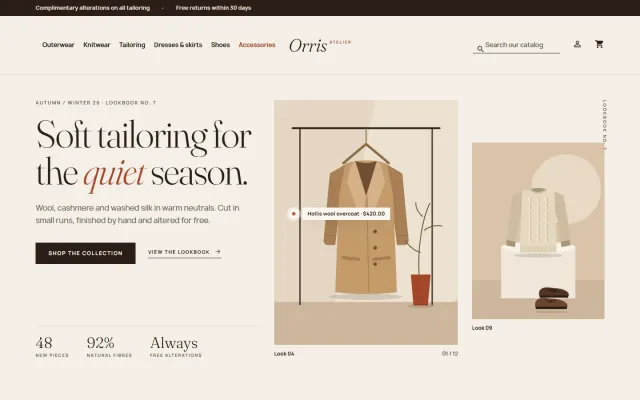
A lookbook-style fashion theme for Classic-based shops, with colour swatches, size chips and four presets.
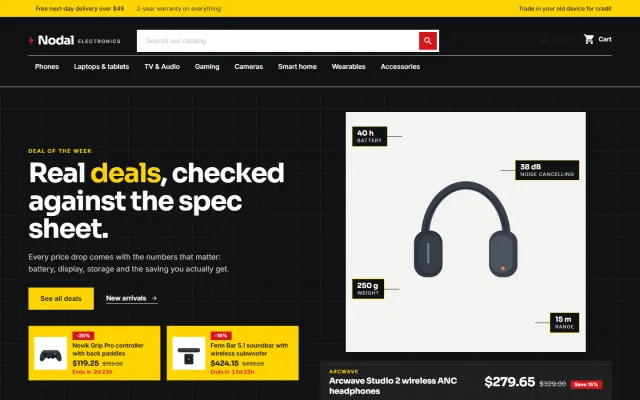
A deal-first child theme of Classic for gadget stores, with spec cards, countdowns and four presets.
Prices, licences, full documentation and instant downloads are on the store.
prestashop.kaviolabs.com · 14 modules · 11 themes
Product personalizer
Built natively for each platform, not ported. Each version has its own product page, documentation and price.
CS-Cart
Text, photo and choice fields on print areas with a live preview, server-rendered proofs and surcharges.
Names, dates and monograms previewed on the product photo, with fees, a word filter and a production sheet.
WooCommerce
Names, dates and monograms previewed on the product image, with server-checked fees and the block checkout.
Engraving previewed on the product photo, monogram styles, an add-on price at checkout and a production sheet.
FAQ
No. The fee is computed on the server from the saved values, and every add to cart is checked again.
No. Discounts apply to the product price; the fee is added afterwards. Cart rules apply to the whole line, and fees are taxed with the product’s tax rules.
Yes. One cart line carries the measured amount and the personalization; the fee is added per piece.
Carts and orders keep the template as it was when the item was added: fields, labels and fee.
Yes. Add one word or phrase per line. Matching also covers look-alike characters, repeated letters and plurals.
Yes. Fees are taxed and converted like the product.
Yes. Personalization shows in the standard checkout and in the 9.2 one-page checkout.
No. It is for text and monograms. Use a customization file field for uploads.
See the live preview and the production sheet, then read the documentation on the product page.
Kavio Labs
The same standards, the same support desk and one licence portal on every platform we build for.